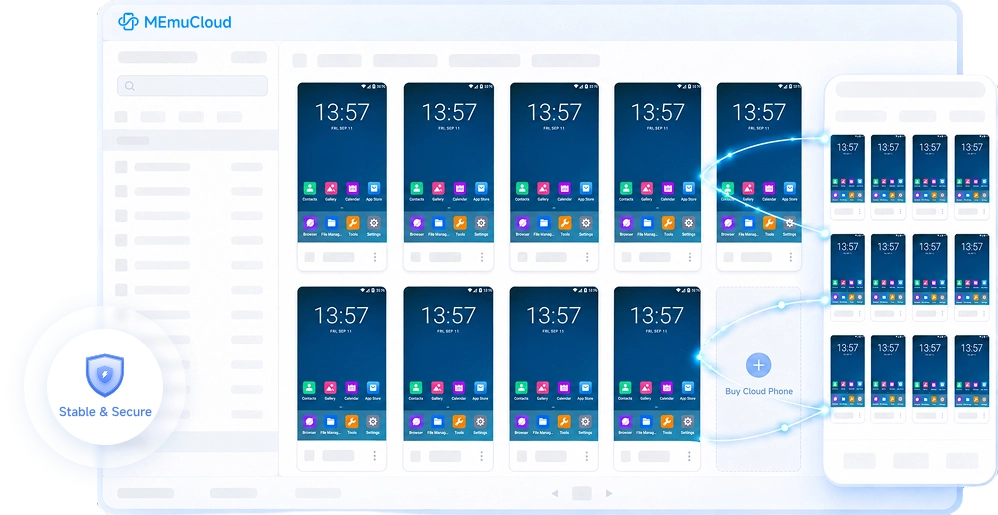
A Second Phone, Always in the Cloud Your Cloud Phone in the Cloud MEmu Cloud 24/7 Online Cloud Phone

Smart Cloud Phone HostingRun Games and Apps in the Cloud 24/7 Stable Uptime — Zero Battery Drain, Even While You're Offline
Download and Register to Get3 Hours Free Usage Time
Game Hosting Social Media Marketing Multi-Account Management Batch Control

Cloud Phone

Scan to download for Android

Download for Android Version

Developer: Shanghai MEmu Cloud Information Technology Co., Ltd.

Privacy Policy Permissions Features User Agreement

Scroll Down for More

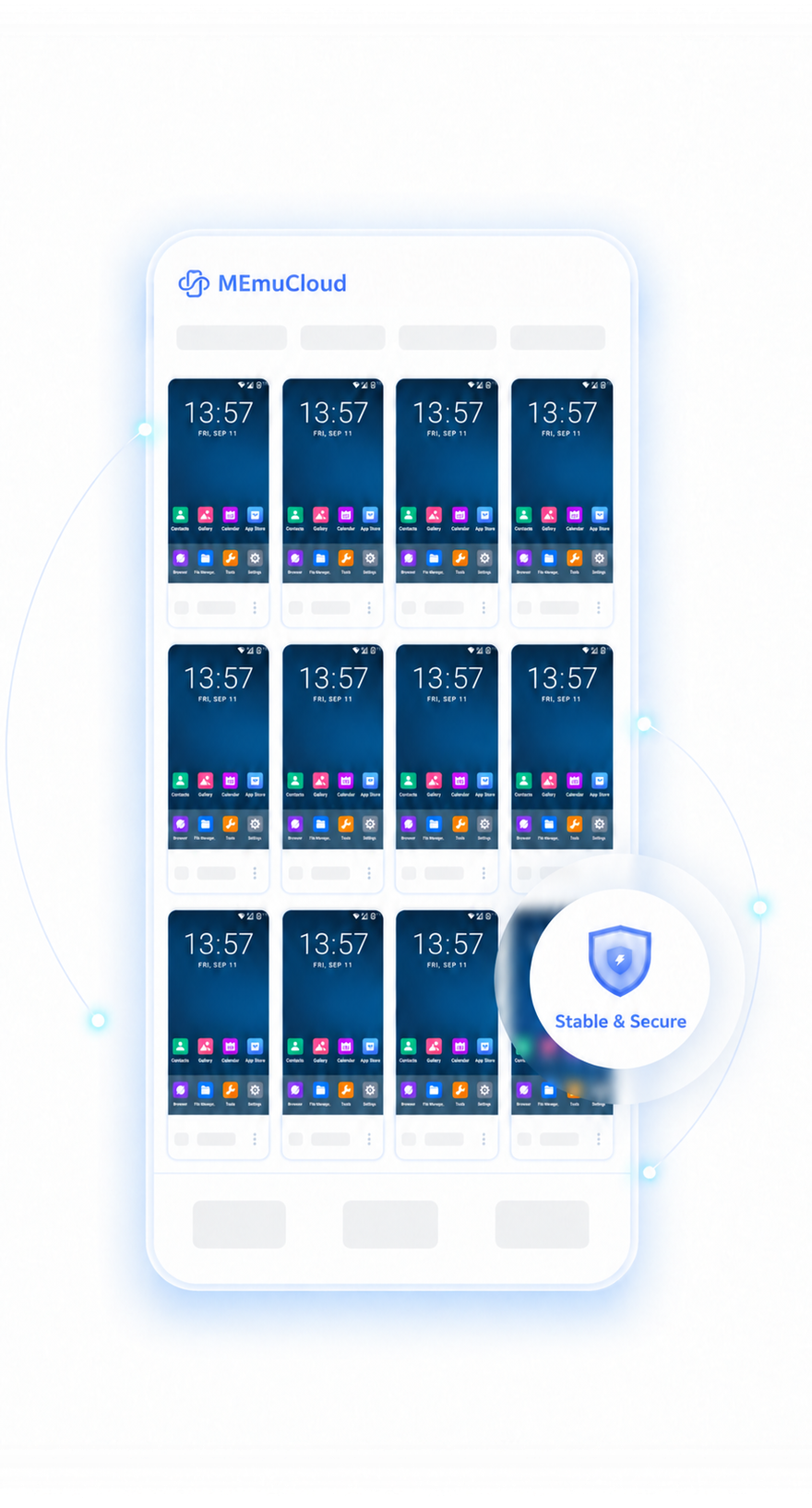
Secure & Reliable Encrypted Data Protection
Stable & Smooth High Performance & Low Latency
Flexible Scaling Flexible Configuration on Demand
Professional Support 1-on-1 Customer Service

How to Install Games on Cloud Phone

STEP 01

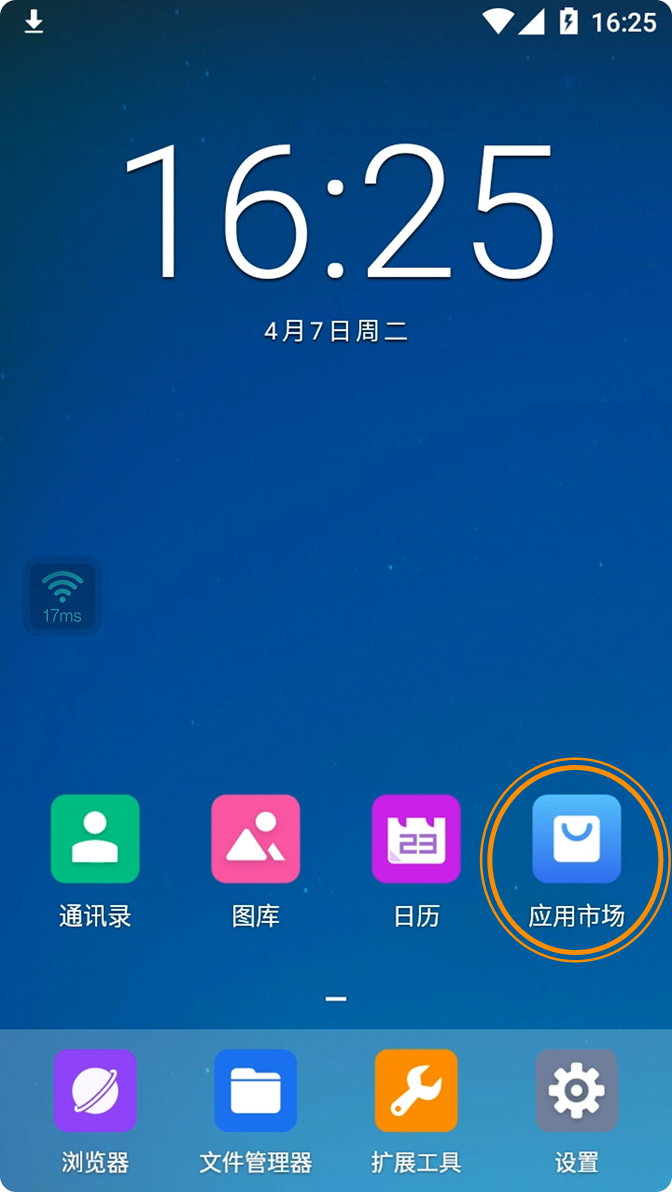
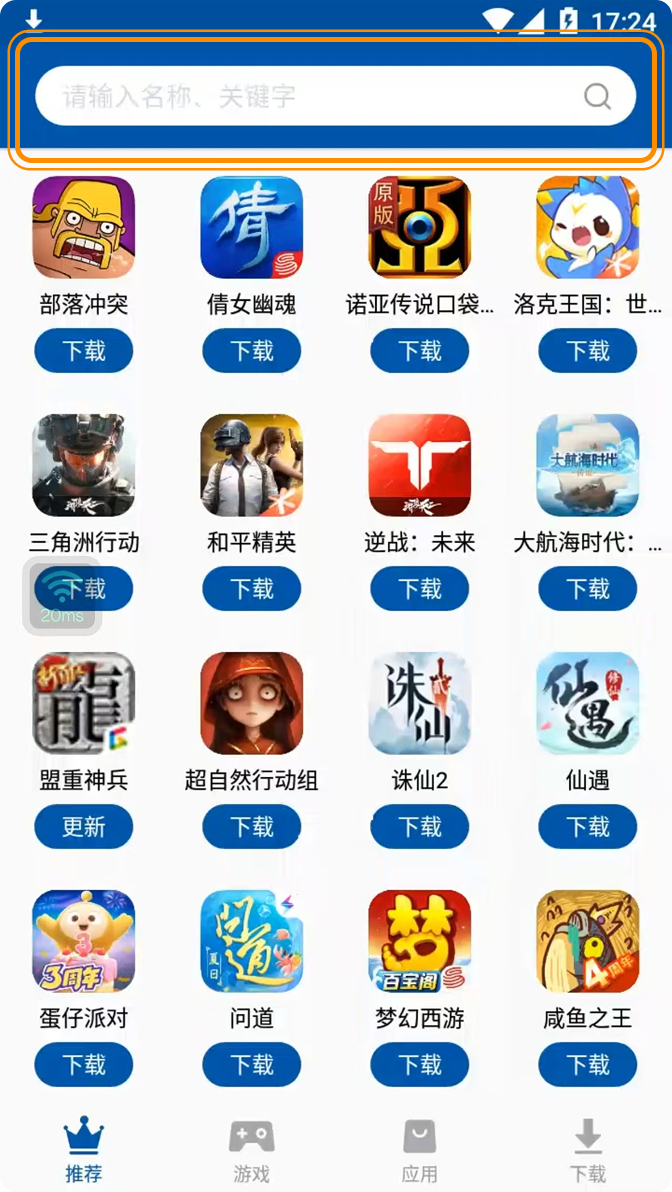
After downloading and installing the Cloud Phone app, click an available Cloud Phone to enter the main interface, then open the [App Market].

STEP 01 Tutorial Image

STEP 02

Search for the game you want to download.

STEP 02 Tutorial Image

One-click Sync Operation

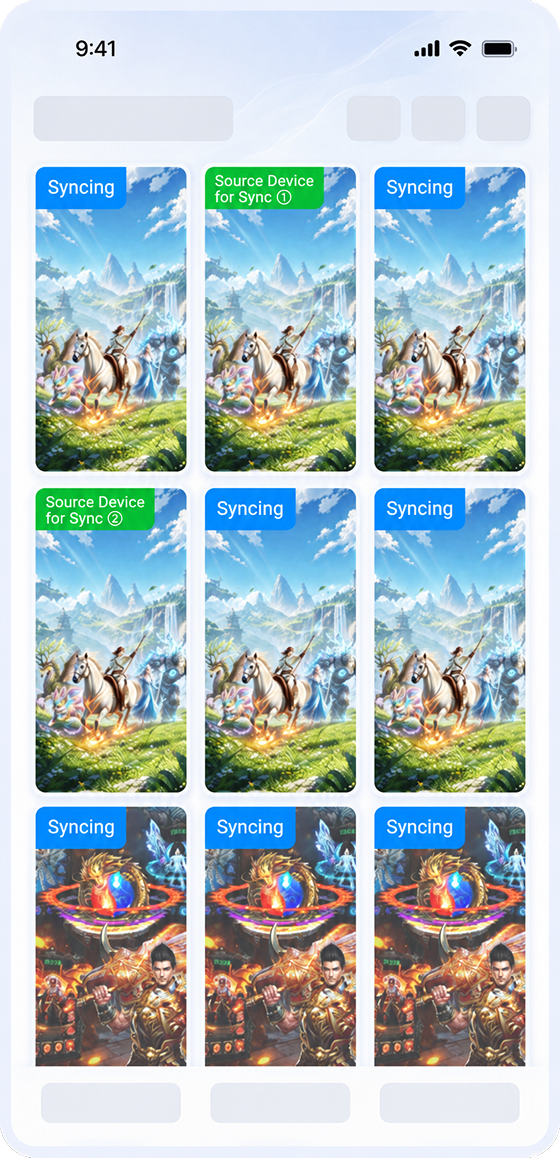
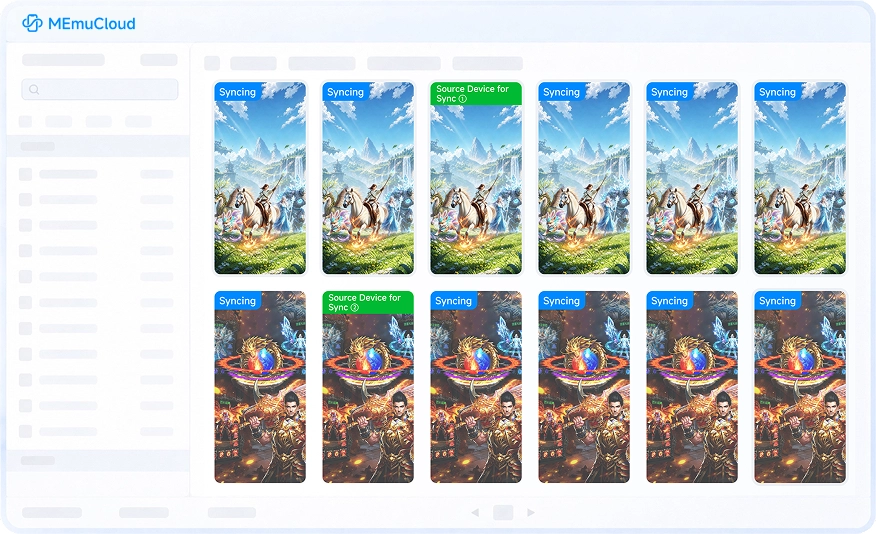
Operate one Cloud Phone and synchronize actions across hundreds of devices. Install apps, launch games, and log in accounts once to eliminate repetitive tasks and maximize efficiency.

One-click Sync Operation One-click Sync Operation

Seamless Multi-platform Access

Access your Cloud Phone anytime from PC or mobile devices. Take control anywhere with real-time synchronization to keep important tasks running without interruption.

Seamless Multi-platform Access Seamless Multi-platform Access

Efficient Marketing Matrix

Keep multiple accounts online simultaneously for social media promotion, e-commerce operations, and private traffic marketing. Achieve 24/7 exposure and reach more users effortlessly.

Efficient Marketing Matrix Efficient Marketing Matrix

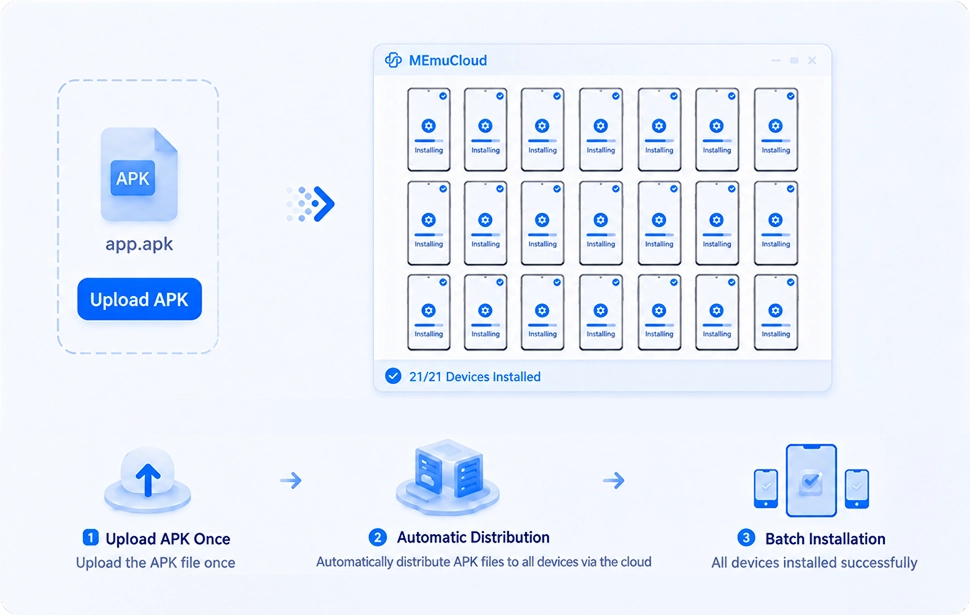
App Compatibility Testing

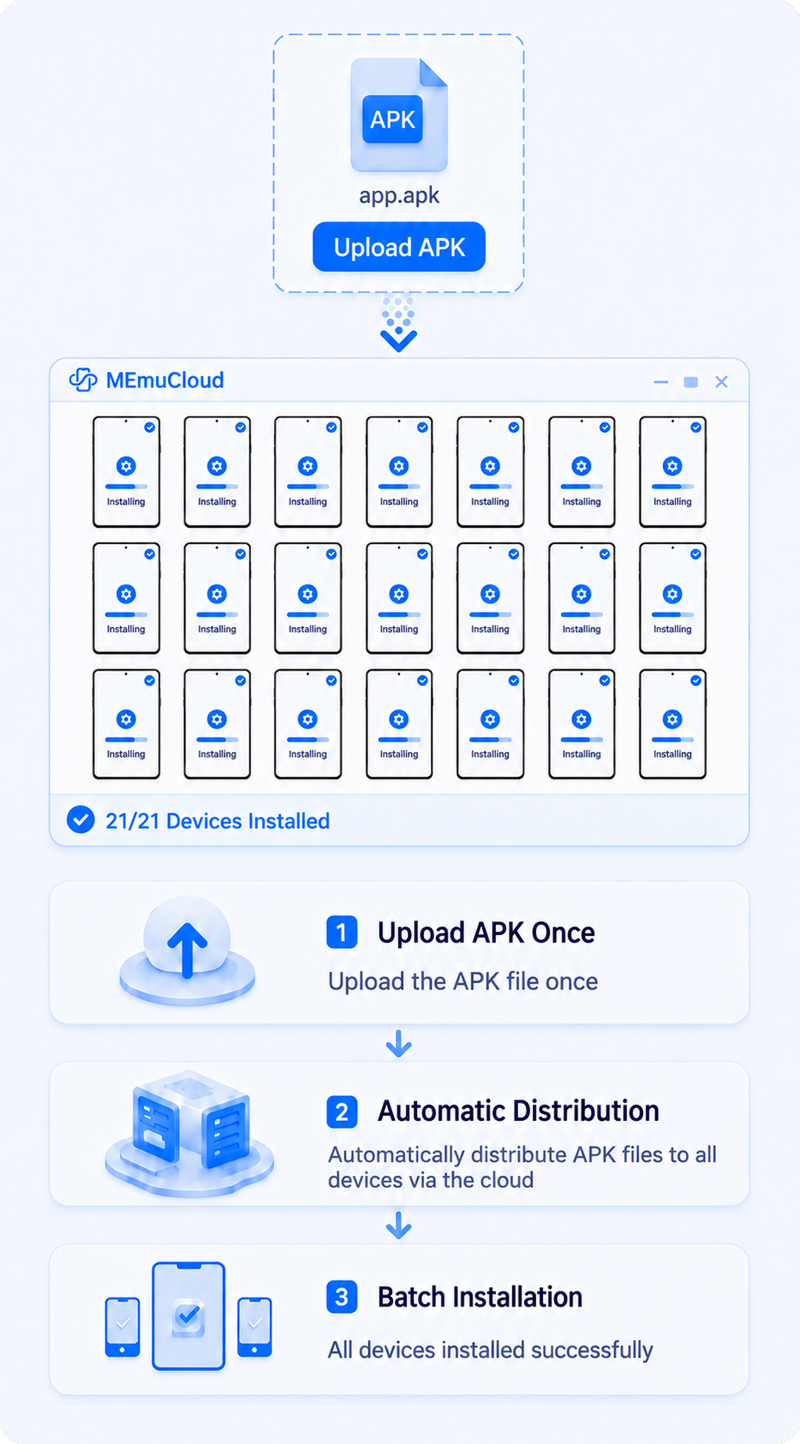
Install APKs in batches and test multiple device models simultaneously. Shorten testing cycles and quickly identify compatibility issues.

App Compatibility Testing App Compatibility Testing

Cloud Phone Features

More Features, Comprehensive Support, Flexible Expansion, Efficient Deployment

Cloud Phone Clone

Cloud Phone Clone Cloud Phone Clone

Batch clone Cloud Phones and synchronize app deployment

ADB Debugging

ADB Debugging ADB Debugging

Simulate device information with efficient and convenient debugging

Sync Operation

Sync Operation Sync Operation

Control multiple Cloud Phones from one device for efficient batch operations

Framework Support

Framework Support Framework Support

Support multiple frameworks with flexible feature expansion

ROOT Access

ROOT Access ROOT Access

Enable or disable ROOT access with full permission control

Operation Macro

Operation Macro Operation Macro

Record Cloud Phone operations and customize playback settings

Experience Cloud Phone Now